
Introduction
If you own a website, online store, or digital business that sends a large number of WhatsApp messages to customers daily, you may face issues such as sending limits or even having your WhatsApp number blocked. This problem becomes more significant when you need to send thousands of messages to customers every day.
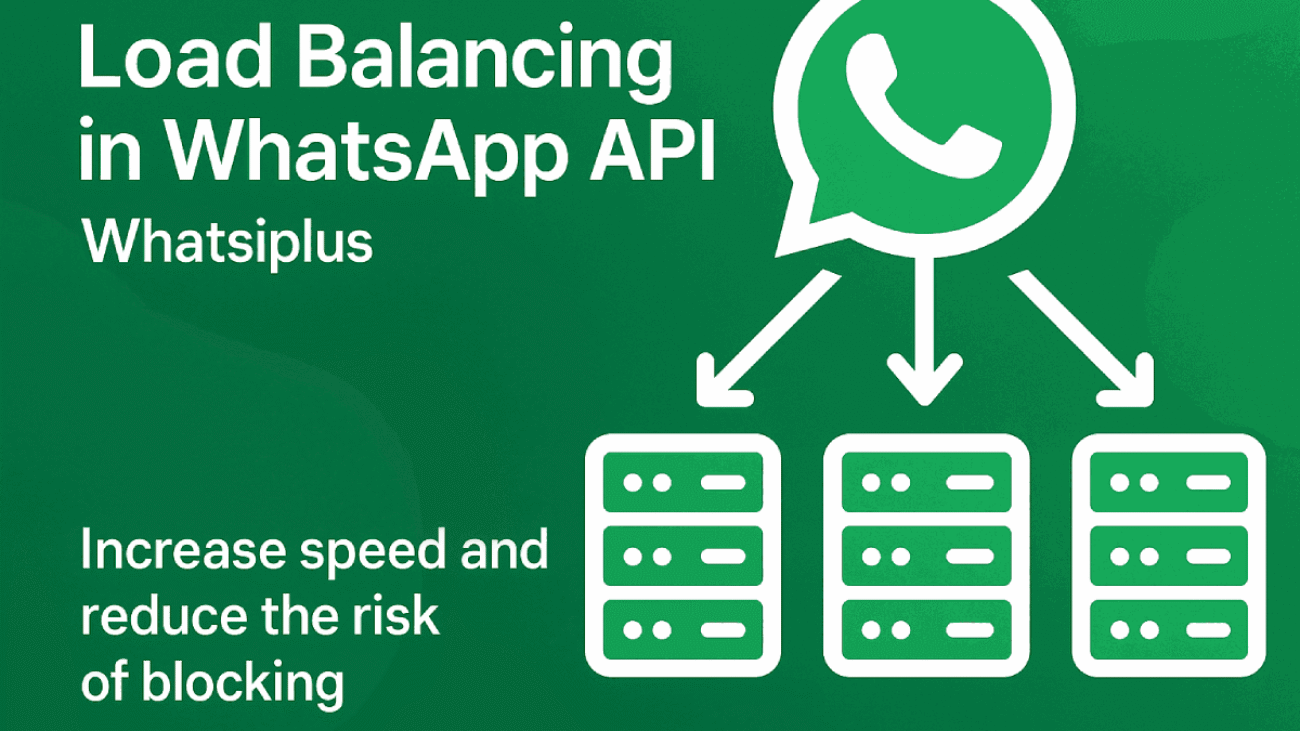
The solution to this problem is Load Balancing in WhatsApp API or distributing the message-sending load across multiple WhatsApp numbers. With the Whatsiplus service, you can have multiple active WhatsApp lines and distribute your messages intelligently between them to increase sending speed and minimize the risk of number blocking.
Buy WhatsApp Service from Whatsiplus
What is Load Balancing in WhatsApp API and Why is it Essential?
Load Balancing means distributing processing or message-sending load across multiple sources. In WhatsApp marketing, this means using multiple numbers and dividing the messages between them to prevent overloading a single number.
Reasons why Load Balancing is important in Whatsiplus WhatsApp API:
- ✅ Reduce Blocking Risk: Distributing messages across multiple numbers minimizes spam reports or blocking and improves message delivery safety.
- ⚡ Increase Sending Speed: Using multiple active lines simultaneously allows parallel message sending, significantly increasing delivery speed.
- 👥 Support Multiple Admins: You can assign different lines to different admins for better customer management and segmentation.
- 🔄 System Stability: If one line goes offline, the other lines continue sending messages automatically, preventing interruptions in delivery.
Steps to Set Up Load Balancing in Whatsiplus
Purchase Multiple WhatsApp Services from Whatsiplus
First, determine the number of lines you need based on your daily message volume. To use this method effectively, you should purchase more than two services.
Buy WhatsApp Service from Whatsiplus
Connect WhatsApp Numbers to the Service
After purchasing the service, connect your desired WhatsApp numbers to the platform. Each line will receive a unique API Key that you will use when sending messages.
Write a Simple Program to Distribute Messages
For example, in PHP, you can use the following script to manage message distribution among multiple lines:
<?php
// ---------------------------
// Initial Settings
// ---------------------------
$apiKeys = [
    "APIKEY_1",
    "APIKEY_2",
    "APIKEY_3"
];

$counterFile = "counter.json";

function readCounter($file, $count){
    if(!file_exists($file)){
        $data = array_fill(0, $count, 0);
        file_put_contents($file, json_encode($data));
    }
    return json_decode(file_get_contents($file), true);
}

function saveCounter($file, $data){
    file_put_contents($file, json_encode($data));
}

function sendBalancedMessage($phoneNumber, $message, &$apiKeys, $file){
    $counter = readCounter($file, count($apiKeys));
    $index = array_search(min($counter), $counter);
    $apiKey = $apiKeys[$index];
    $url = "https://api.whatsiplus.com/sendMsg/$apiKey?phonenumber=".urlencode($phoneNumber)."&message=".urlencode($message);
    $response = file_get_contents($url);
    $counter[$index]++;
    saveCounter($file, $counter);
    return $response;
}
//Use the program to send a message
$phone = "15551234567";
$msg   = "This is a test message";
$response = sendBalancedMessage($phone, $msg, $apiKeys, $counterFile);
echo $response;
?>
Golden Tips to Reduce the Risk of WhatsApp Number Blocking
📌 1. Avoid sending duplicate messages
Sending the same text to a large number of users in a short time triggers spam detection on WhatsApp and increases the risk of blocking. Personalize and vary your messages.
📌 2. Schedule your message sending
Sending massive messages in a short timeframe is risky. Spread out your messages over different times and use Load Balancing for safer delivery.
📌 3. Encourage users to reply
When WhatsApp sees users responding to your messages, it considers the conversation natural, reducing the risk of blocking. Add questions or calls-to-action in your messages.
📌 4. Let users start the conversation
If the user messages you first and you reply, the blocking risk is nearly zero. This is considered safer under WhatsApp’s policies.
📌 5. Use Reverse OTP login method on your website
With Reverse OTP login plugins (for WordPress and WHMCS provided by Whatsiplus), you can make users message you first for login or registration while you only respond, making it safe and natural.
📌 6. Avoid suspicious or spam links
Messages with unknown short links or excessive promotional content are more likely to get your number blocked.
📌 7. Send messages only to real users
Instead of buying unknown number lists, send messages only to users who have interacted with your business before.
📌 8. Start with a low message volume
When using a new WhatsApp number, don’t send thousands of messages on day one. Start small (20-50 messages/day) and gradually increase for natural behavior.
📌 9. Use multiple lines with Load Balancing
Distributing messages among different lines reduces the load on a single number and decreases blocking risk.
📌 10. Use older, active numbers
Numbers that have been active on WhatsApp with real interactions are less likely to get blocked.
Conclusion
Load Balancing is one of the best methods for managing bulk WhatsApp message sending. Using the Whatsiplus service and distributing messages among multiple lines allows you to manage your messaging system smartly, reduce blocking risk, and boost your message delivery speed.
To get started, simply purchase your WhatsApp service from the link below and upgrade your messaging system with this solution: